How to Merge Cells in Excel

how-to-merge-cells-in-excel-2026

How to Merge Cells in Excel (2026 Guide) Sheets & Cells Functions Google Sheets Templates Guides Excel AI Home›Guides›Merge Cells ExcelHow-To⏱ 1 min read How to Merge Cells in Excel Excel offers four merge options — Merge & Center, Merge Across, Merge Cells, and the underrated Center Across Selection. Center Across Selection is usually the … Read more

How to Lock Cells in Excel

how-to-lock-cells-in-excel-2026

How to Lock Cells in Excel (2026 Guide) Sheets & Cells Functions Google Sheets Templates Guides Excel AI Home›Guides›Lock Cells ExcelHow-To⏱ 2 min read How to Lock Cells in Excel Locking cells in Excel is a two-step process: mark cells as Locked, then enable sheet protection. Understanding the two-step model is the key — miss … Read more

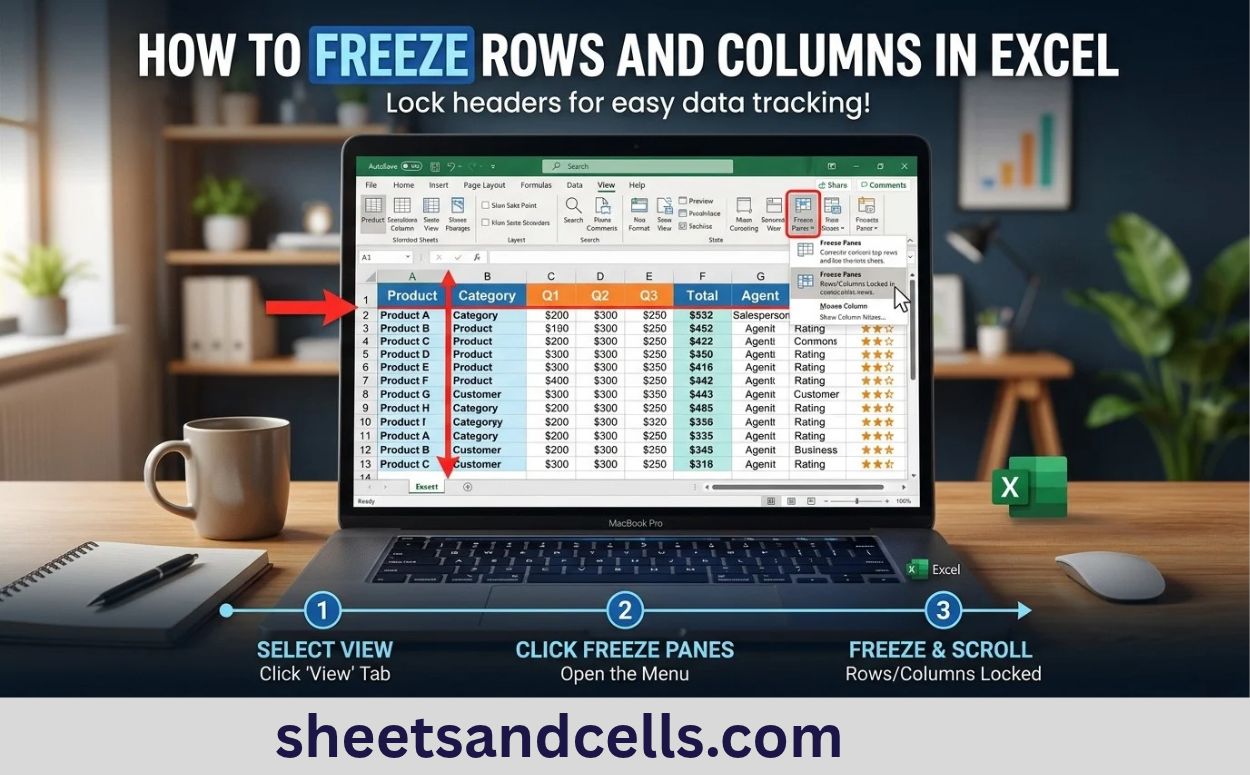
How to Freeze Rows and Columns in Excel

how-to-freeze-rows-in-excel-2026

How to Freeze Rows and Columns in Excel (2026 Guide) Sheets & Cells Functions Google Sheets Templates Guides Excel AI Home›Guides›Freeze Rows & Columns ExcelHow-To⏱ 1 min read How to Freeze Rows and Columns in Excel Freezing rows and columns keeps your headers visible while you scroll through data. Excel offers three commands under View … Read more

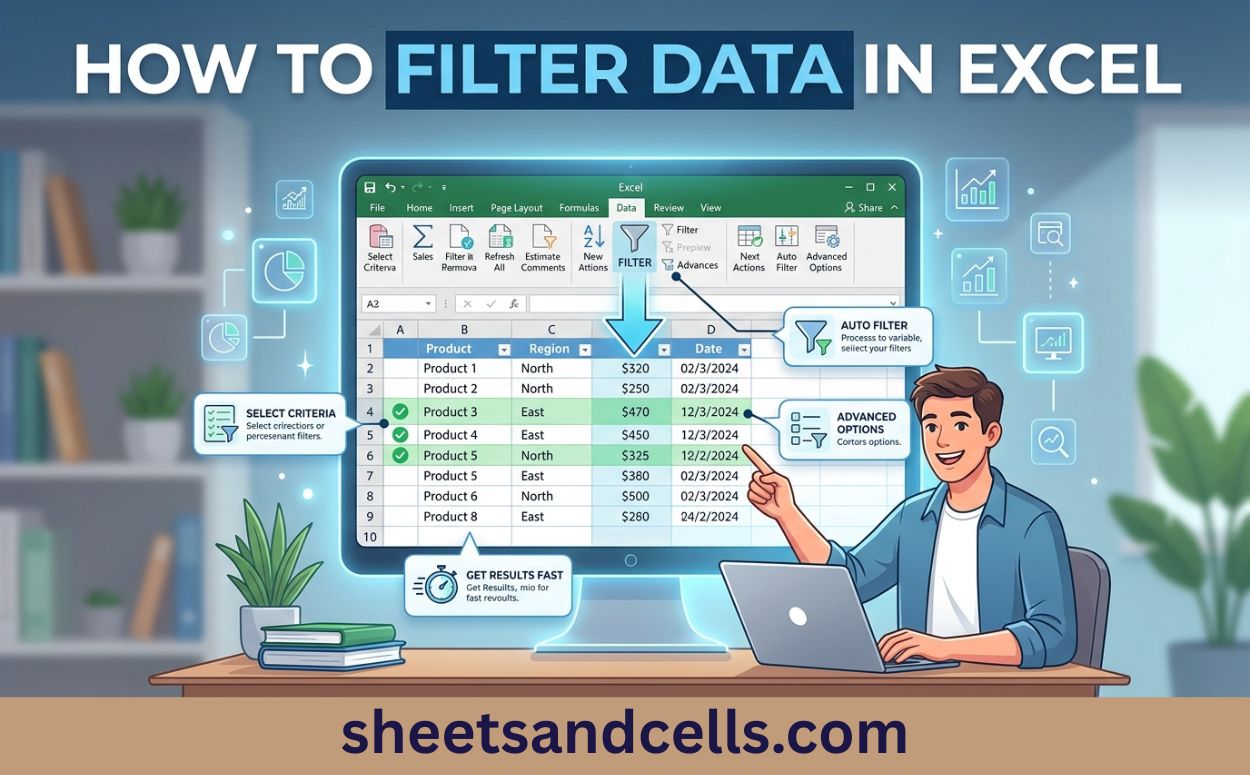
How to Filter Data in Excel

how-to-filter-in-excel-2026

How to Filter Data in Excel (2026 Guide) Sheets & Cells Functions Google Sheets Templates Guides Excel AI Home›Guides›Filter Data ExcelHow-To⏱ 2 min read How to Filter Data in Excel Excel offers three ways to filter data: AutoFilter (the standard dropdowns), Advanced Filter (criteria ranges), and the FILTER function (live formula-based, Excel 365). Each fits … Read more

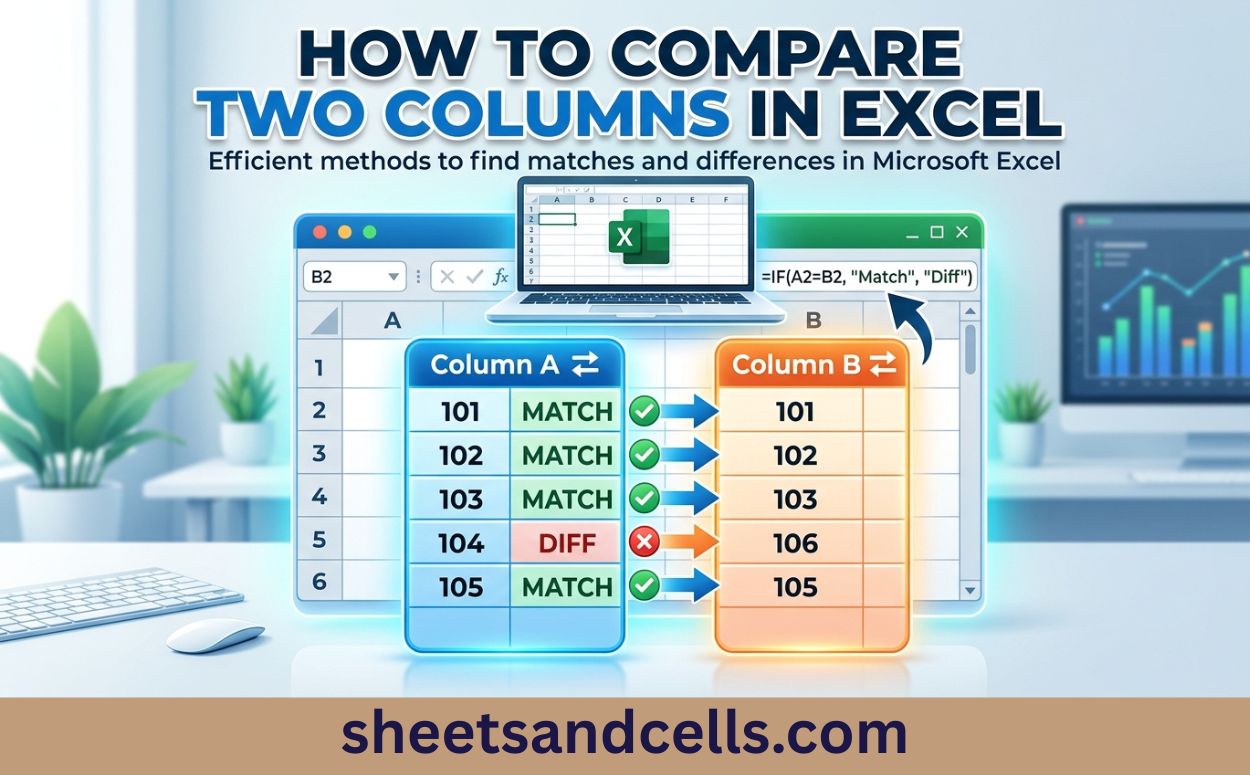
How to Compare Two Columns in Excel

how-to-compare-two-columns-in-excel-2026

How to Compare Two Columns in Excel (2026 Guide) Sheets & Cells Functions Google Sheets Templates Guides Excel AI Home›Guides›Compare Two Columns ExcelHow-To⏱ 2 min read How to Compare Two Columns in Excel “Compare two columns” means different things in different situations. Row-by-row equality? Finding values in A that aren’t in B? Matching keys and … Read more

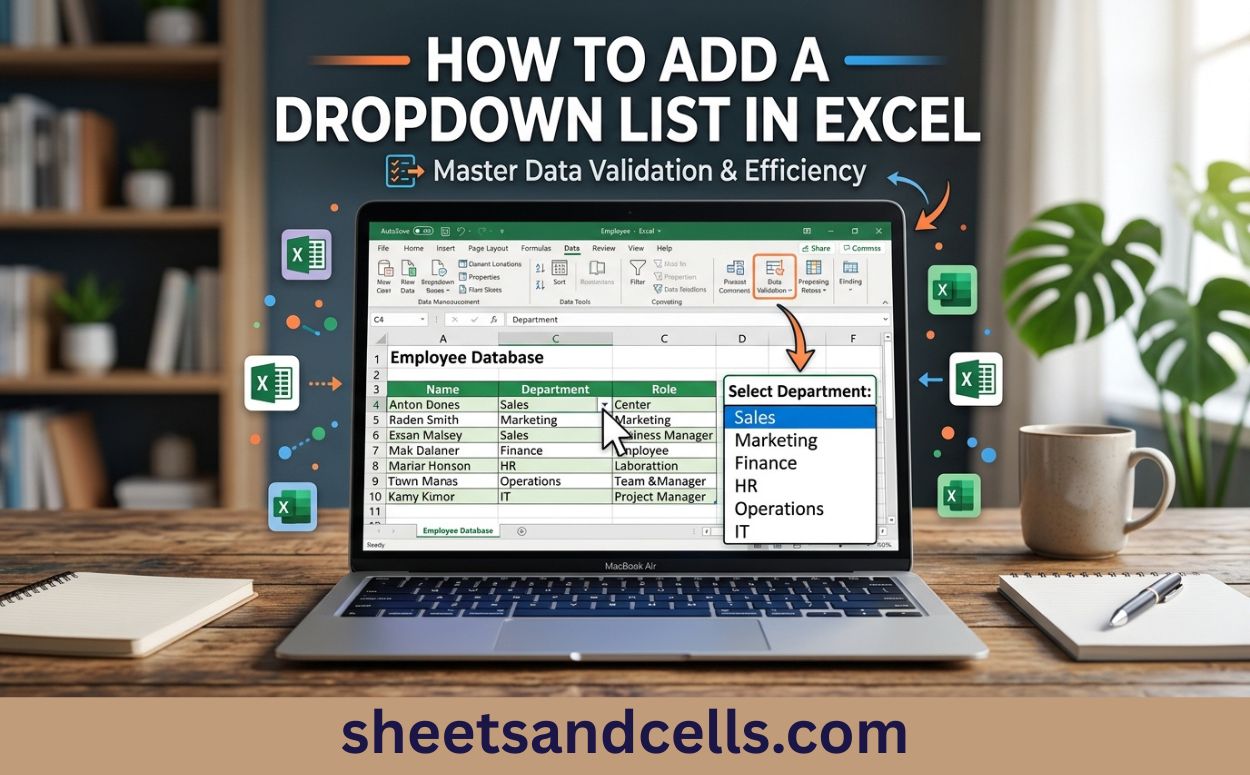
How to Add a Dropdown List in Excel

how-to-add-dropdown-in-excel-2026

How to Add a Dropdown List in Excel (2026 Guide) Sheets & Cells Functions Google Sheets Templates Guides Excel AI Home›Guides›Add Dropdown ExcelHow-To⏱ 2 min read How to Add a Dropdown List in Excel Dropdown lists in Excel are built with Data Validation. This guide covers static lists (Yes/No/Maybe), dynamic lists from a range, dropdowns … Read more

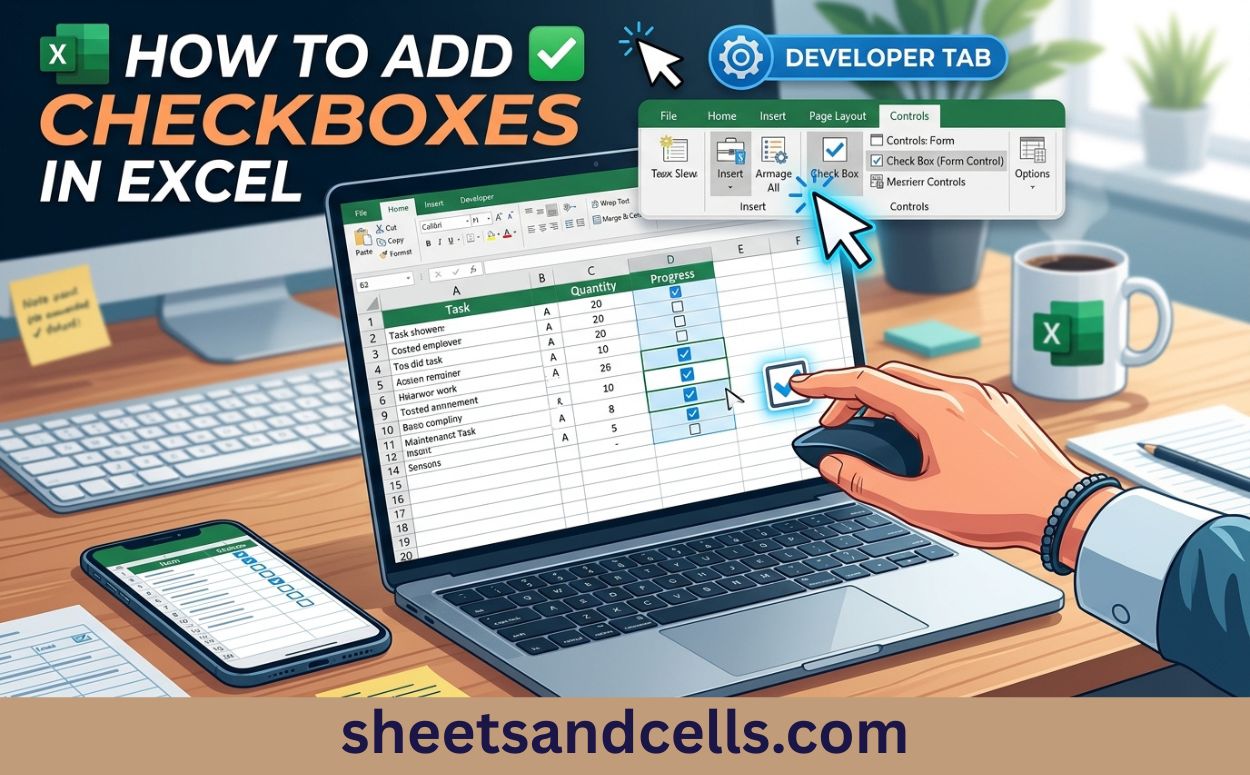
How to Add Checkboxes in Excel

how-to-add-checkbox-in-excel-2026

  Sheets & Cells Functions Google Sheets Templates Guides Excel AI Home›Guides›Add Checkboxes ExcelHow-To⏱ 1 min read How to Add Checkboxes in Excel Excel 365 finally added native checkboxes in 2024 — click a cell, insert a checkbox, done. For older Excel versions there’s the legacy Form Control checkbox from the Developer tab. This guide … Read more

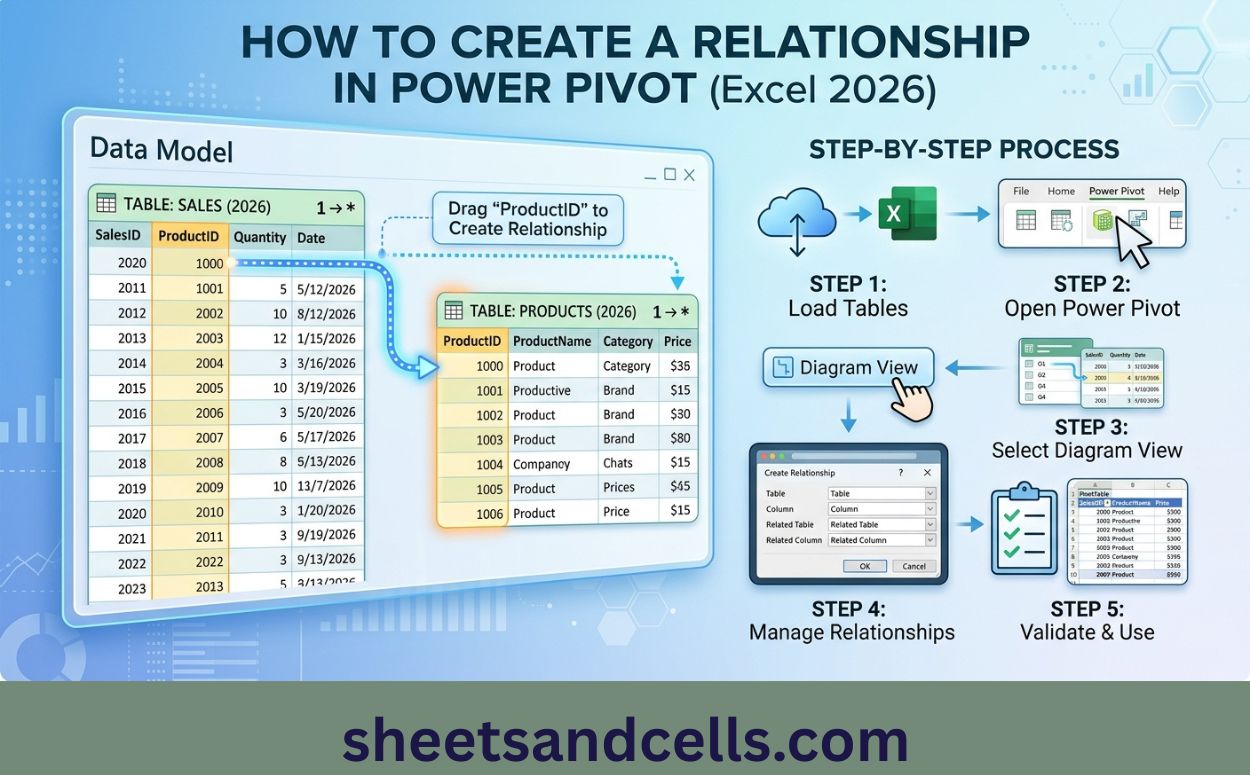
How to Create a Relationship in Power Pivot

how-to-create-relationship-power-pivot-2026

How to Create a Relationship in Power Pivot (2026) Sheets & Cells Functions Power Query Power Pivot Google Sheets Excel AI Home›Excel›Power Pivot›Create Relationship ExcelHow-To Post⏱ 6 min read How to Create a Relationship in Power Pivot Relationships are what let you build a single PivotTable from multiple tables. Without a relationship, DAX has no … Read more

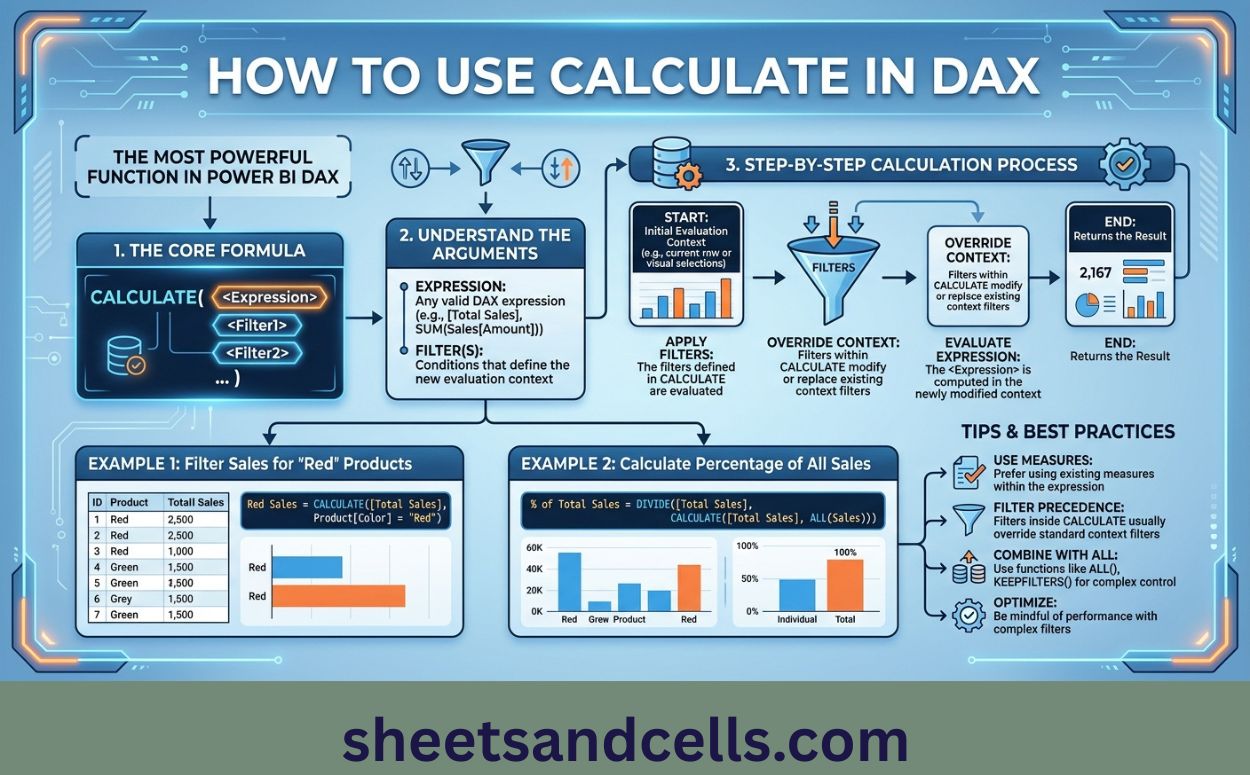
How to Use CALCULATE in DAX

how-to-use-calculate-dax-2026

How to Use CALCULATE in DAX (2026) Sheets & Cells Functions Power Query Power Pivot Google Sheets Excel AI Home›Excel›Power Pivot›CALCULATE How-To ExcelHow-To Post⏱ 7 min read How to Use CALCULATE in DAX CALCULATE is DAX’s most important function — and its trickiest to grasp. It changes the filter context under which an expression is … Read more

How to Unpivot Columns in Power Query

How to Unpivot Columns in Power Query (2026) Sheets & Cells Functions Power Query Power Pivot Google Sheets Excel AI Home›Excel›Power Query›Unpivot Columns ExcelHow-To Post⏱ 6 min read How to Unpivot Columns in Power Query Unpivoting turns wide data into tall data — the shape PivotTables and charts prefer. It’s Power Query’s most useful reshape, … Read more