How to Merge Cells in Google Sheets
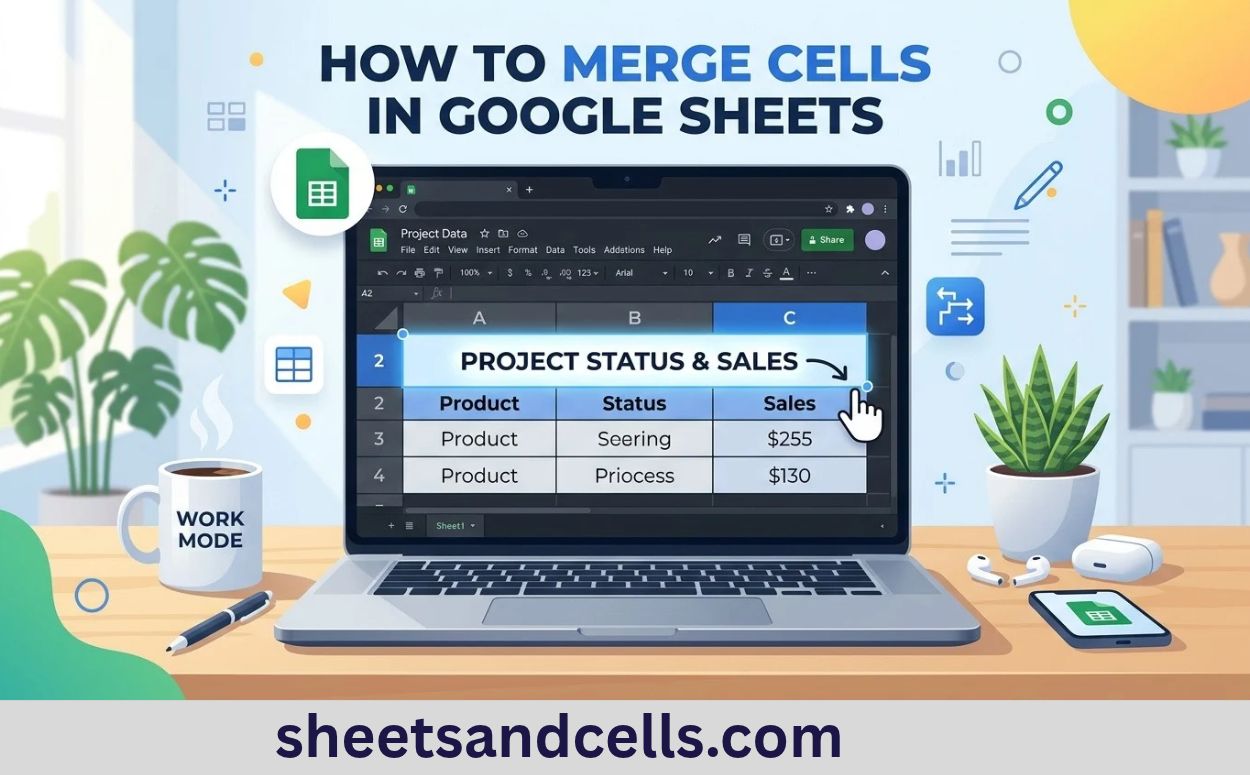
how-to-merge-cells-in-google-sheets-2026

How to Merge Cells in Google Sheets (2026 Guide) Sheets & Cells Functions Google Sheets Templates Guides Sheets AI Home›Google Sheets›Merge Cells Google SheetsHow-To⏱ 1 min read How to Merge Cells in Google Sheets Google Sheets offers three merge types — Merge all, Merge horizontally, and Merge vertically. All are accessed from Format → Merge … Read more
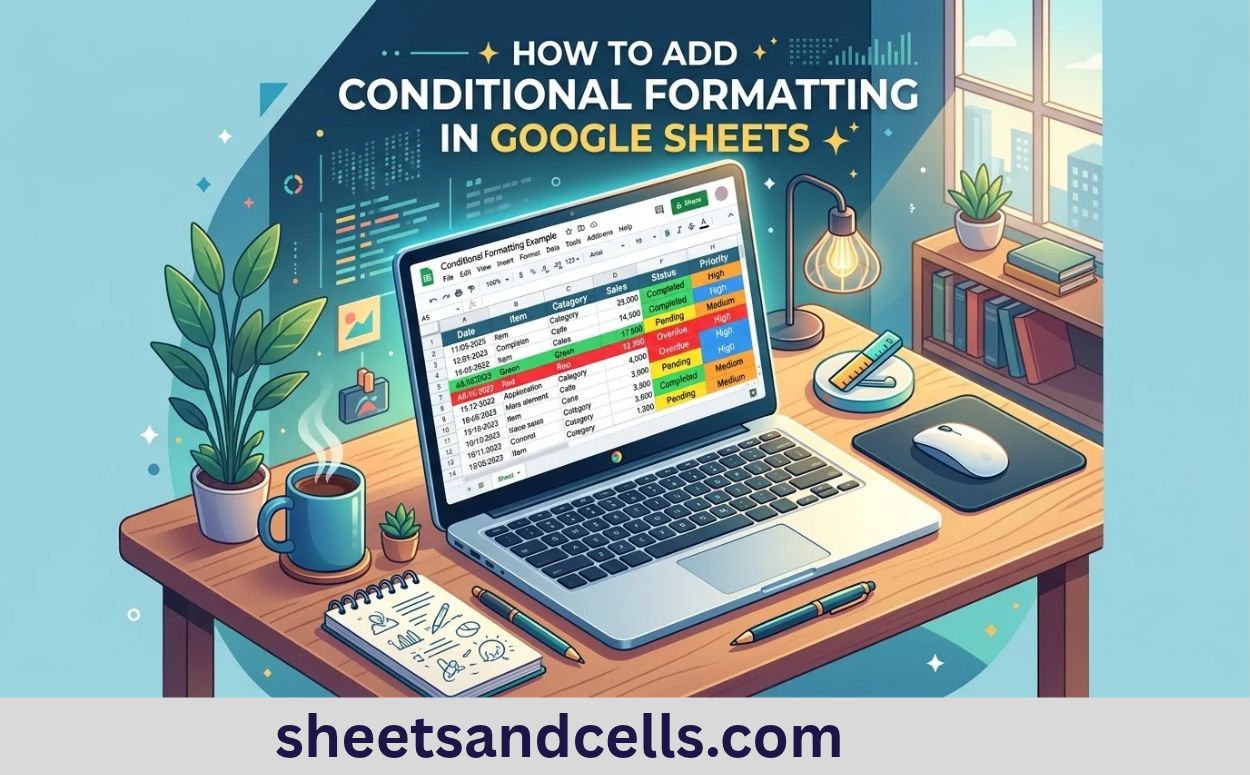
How to add conditional formatting in Google Sheets

how-to-add-conditional-formatting-in-google-sheets-2026

How to Add Conditional Formatting in Google Sheets (2026) Sheets & Cells Functions Google Sheets Templates Guides Get Add-on Home› How to Add Conditional Formatting in Google Sheets Google Sheets How-To Guide How to add conditional formatting in Google Sheets Conditional formatting automatically colors, bolds, or styles cells based on their values or formulas. It … Read more

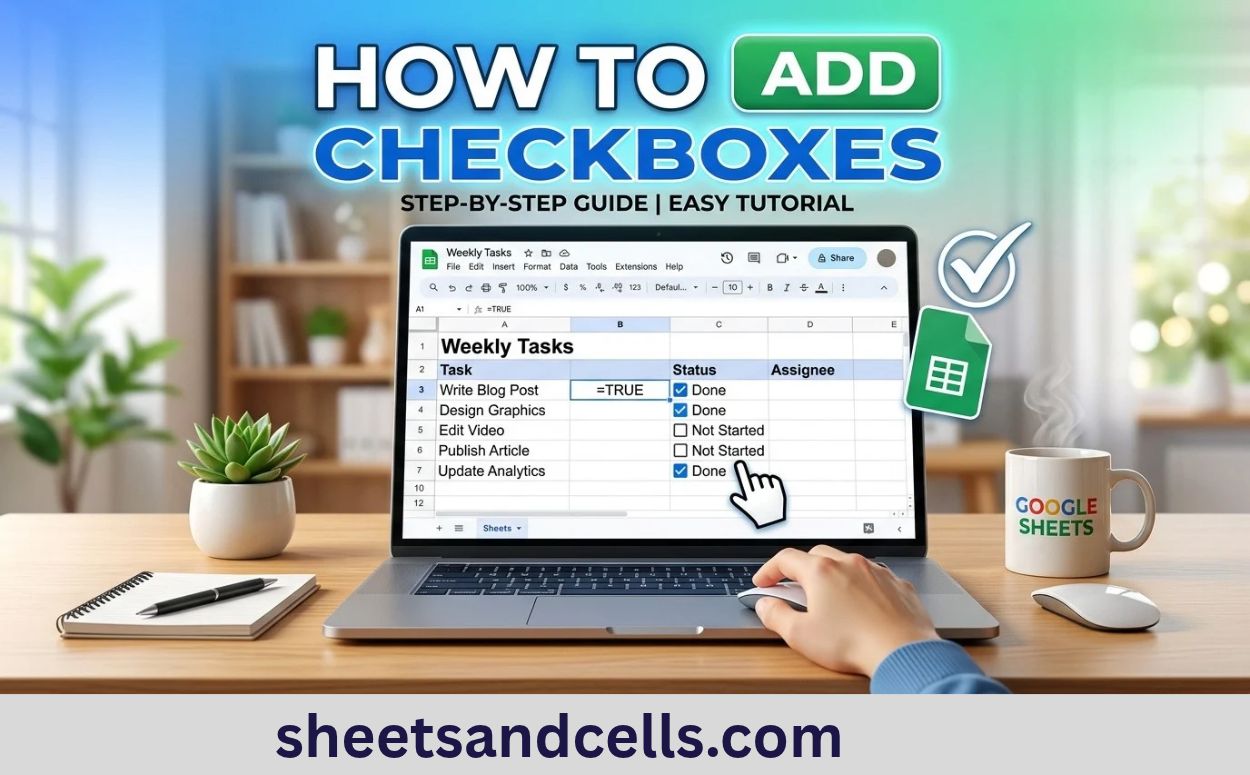
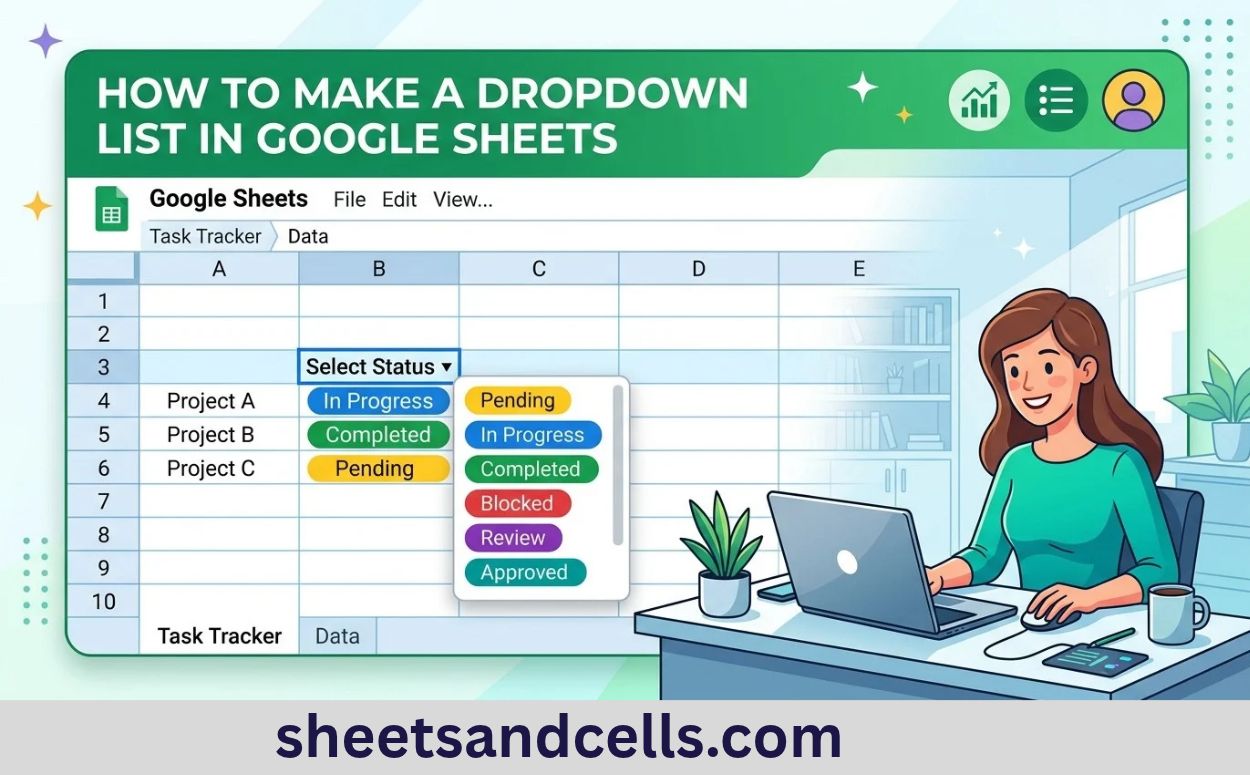
How to Add Checkboxes in Google Sheets

how-to-add-checkbox-in-google-sheets-2026

How to Add Checkboxes in Google Sheets (2026 Guide) Sheets & Cells Functions Google Sheets Templates Guides Sheets AI Home›Google Sheets›Add Checkboxes Google SheetsHow-To⏱ 1 min read How to Add Checkboxes in Google Sheets Google Sheets added native checkboxes years ago (Excel didn’t get them until 2024). Click Insert → Checkbox and selected cells get … Read more

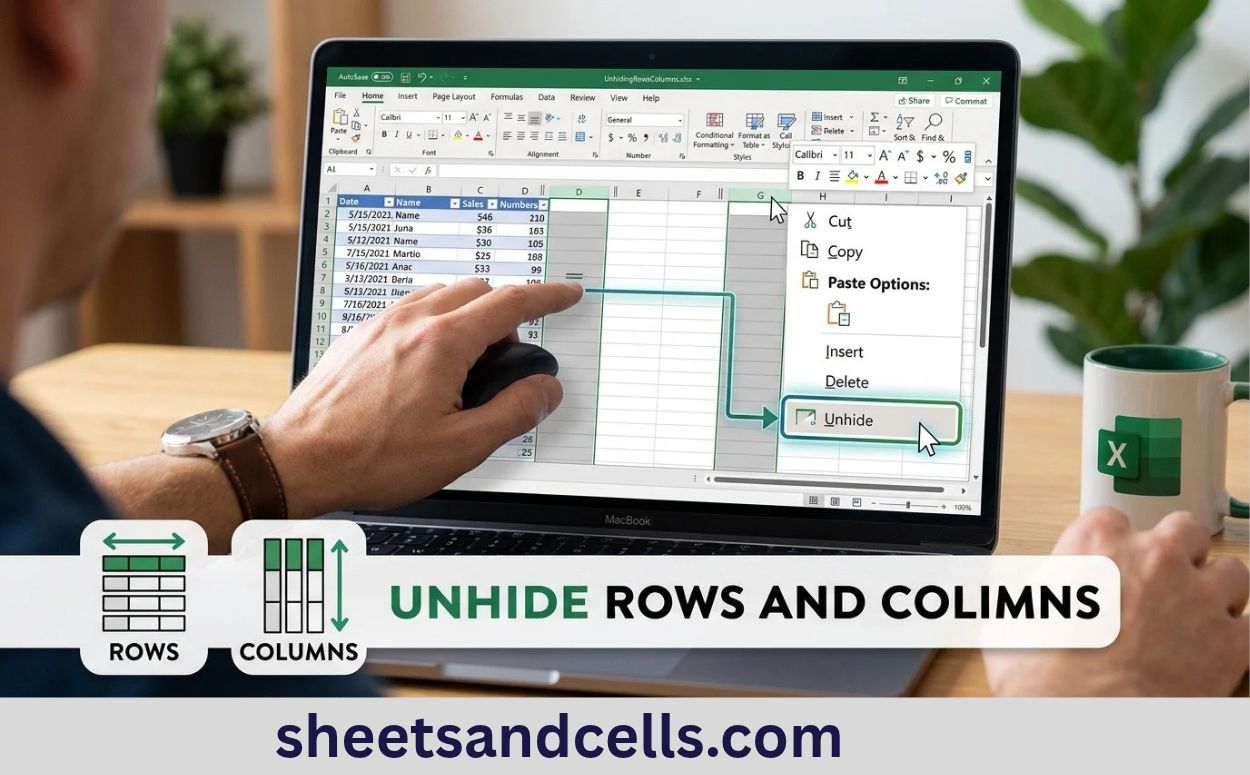
How to Unhide Rows and Columns in Excel

how-to-unhide-rows-in-excel-2026

How to Unhide Rows and Columns in Excel (2026 Guide) Sheets & Cells Functions Google Sheets Templates Guides Excel AI Home›Guides›Unhide Rows ExcelHow-To⏱ 1 min read How to Unhide Rows and Columns in Excel Unhiding rows and columns is quick once you know where they are. The tricky part is unhiding row 1 or column … Read more

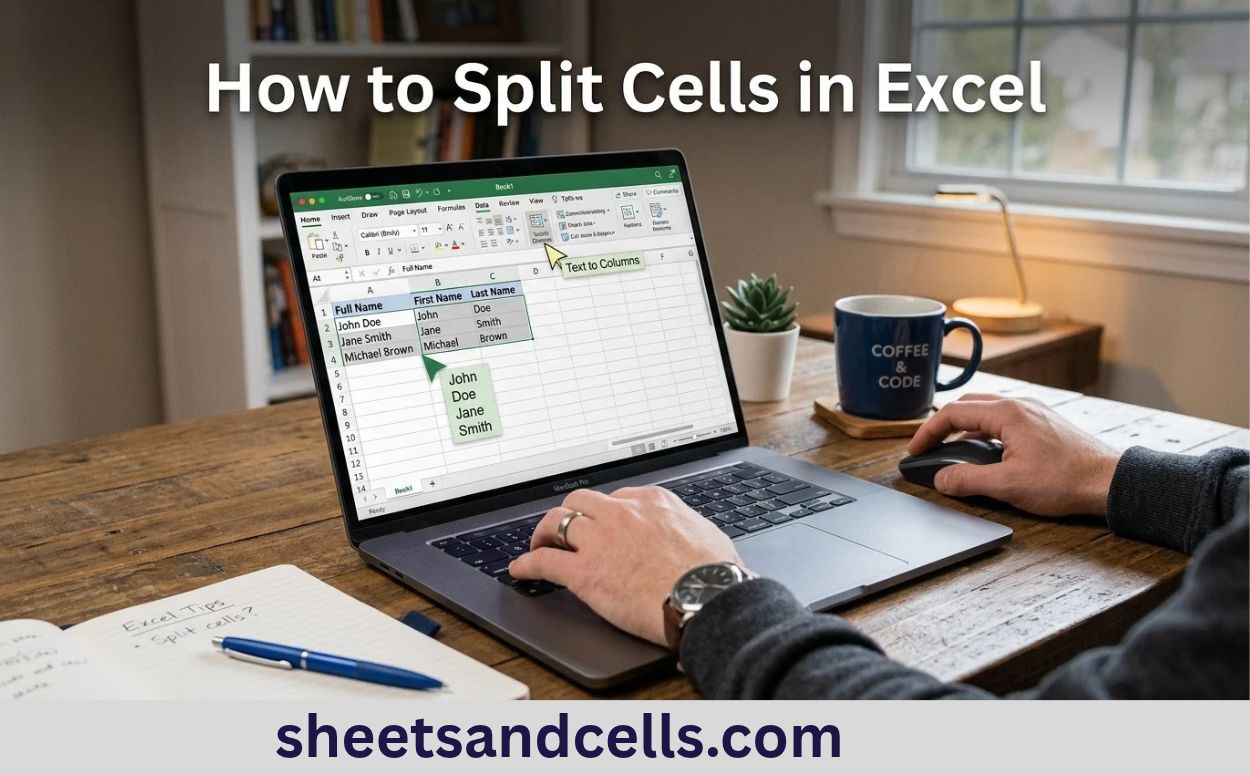
How to Split Cells in Excel

how-to-split-cells-in-excel-2026

How to Split Cells in Excel (2026 Guide) Sheets & Cells Functions Google Sheets Templates Guides Excel AI Home›Guides›Split Cells ExcelHow-To⏱ 2 min read How to Split Cells in Excel Excel offers three ways to split cells: Text to Columns (the classic), Flash Fill (Excel 2013+), and TEXTSPLIT (Excel 365). Each fits a different situation. … Read more

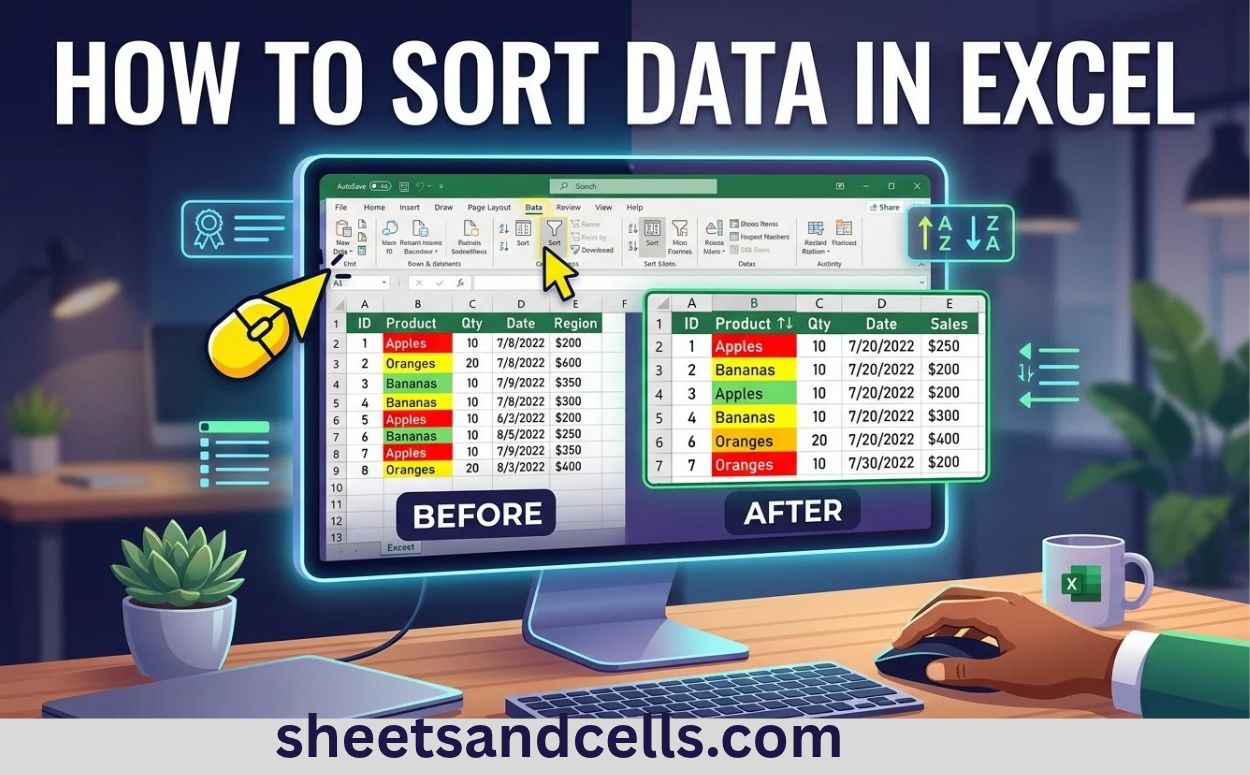
How to Sort Data in Excel

how-to-sort-in-excel-2026

How to Sort Data in Excel (2026 Guide) Sheets & Cells Functions Google Sheets Templates Guides Excel AI Home›Guides›Sort Data ExcelHow-To⏱ 1 min read How to Sort Data in Excel Excel sorts data three ways: quick sort (one column, ascending or descending), custom sort (multiple columns or custom orders), and the SORT function (live sorting … Read more

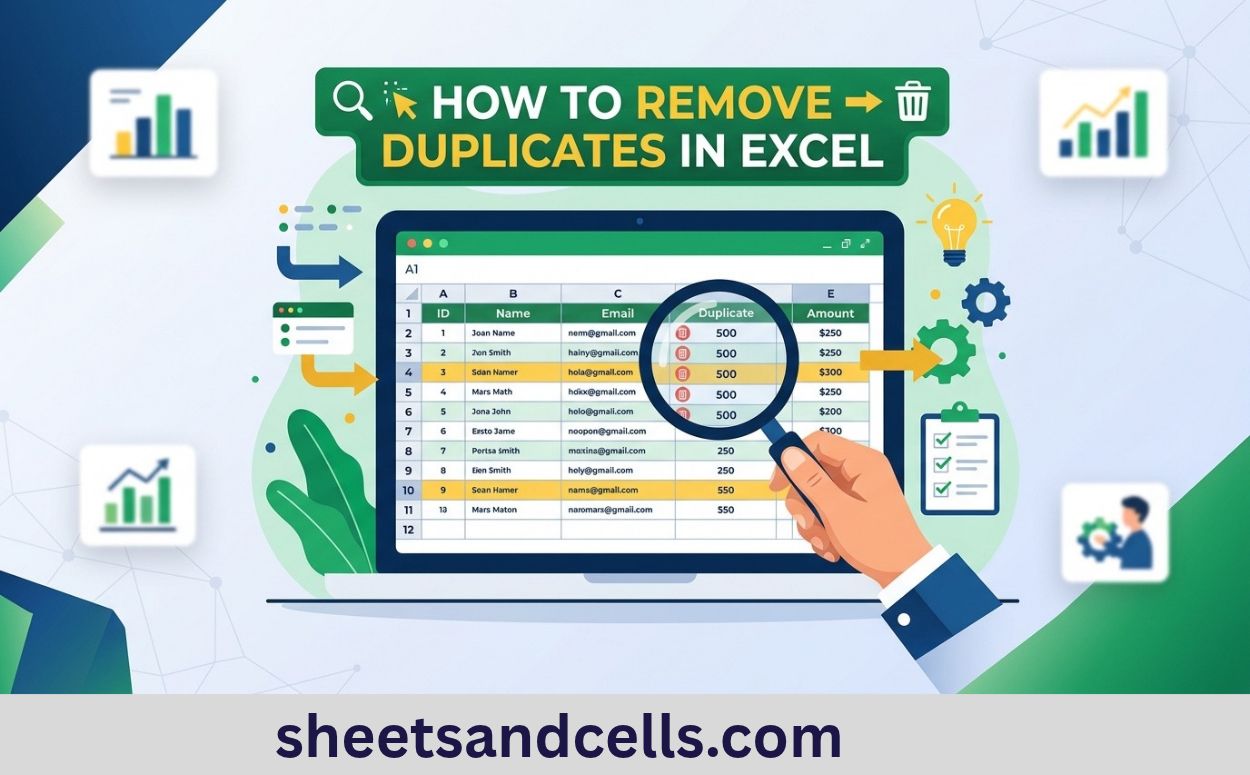
How to Remove Duplicates in Excel

how-to-remove-duplicates-in-excel-2026

How to Remove Duplicates in Excel (2026 Guide) Sheets & Cells Functions Google Sheets Templates Guides Excel AI Home›Guides›Remove Duplicates ExcelHow-To⏱ 2 min read How to Remove Duplicates in Excel Excel gives you three good ways to handle duplicates: the built-in Remove Duplicates button, the UNIQUE function (Excel 365), and Conditional Formatting to see duplicates … Read more

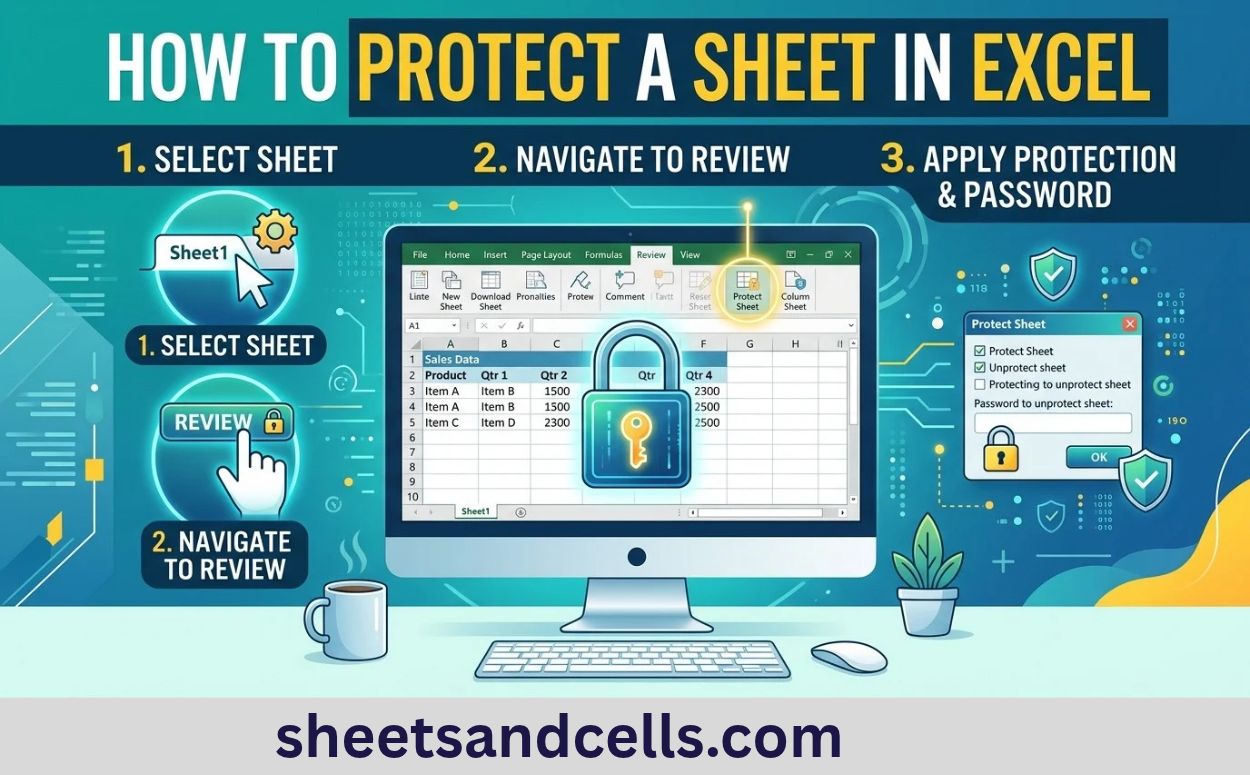
How to Protect a Sheet in Excel

how-to-protect-sheet-in-excel-2026

How to Protect a Sheet in Excel (2026 Guide) Sheets & Cells Functions Google Sheets Templates Guides Excel AI Home›Guides›Protect Sheet ExcelHow-To⏱ 2 min read How to Protect a Sheet in Excel Excel protection has three layers: cell-level Locked property, worksheet-level Protect Sheet, and file-level encryption. Understanding which layer to use for what is the … Read more

How to Merge Cells in Excel

how-to-merge-cells-in-excel-2026

How to Merge Cells in Excel (2026 Guide) Sheets & Cells Functions Google Sheets Templates Guides Excel AI Home›Guides›Merge Cells ExcelHow-To⏱ 1 min read How to Merge Cells in Excel Excel offers four merge options — Merge & Center, Merge Across, Merge Cells, and the underrated Center Across Selection. Center Across Selection is usually the … Read more